No guest account
A QR code opens the camera in seconds. Guests do not need to create a profile.
A free personalised wedding planner, plus one private camera for every guest. Budgets, checklists, RSVPs and the photos you would otherwise miss.
Answer five small questions and open a complete wedding workspace already shaped around your date, budget and guest list.
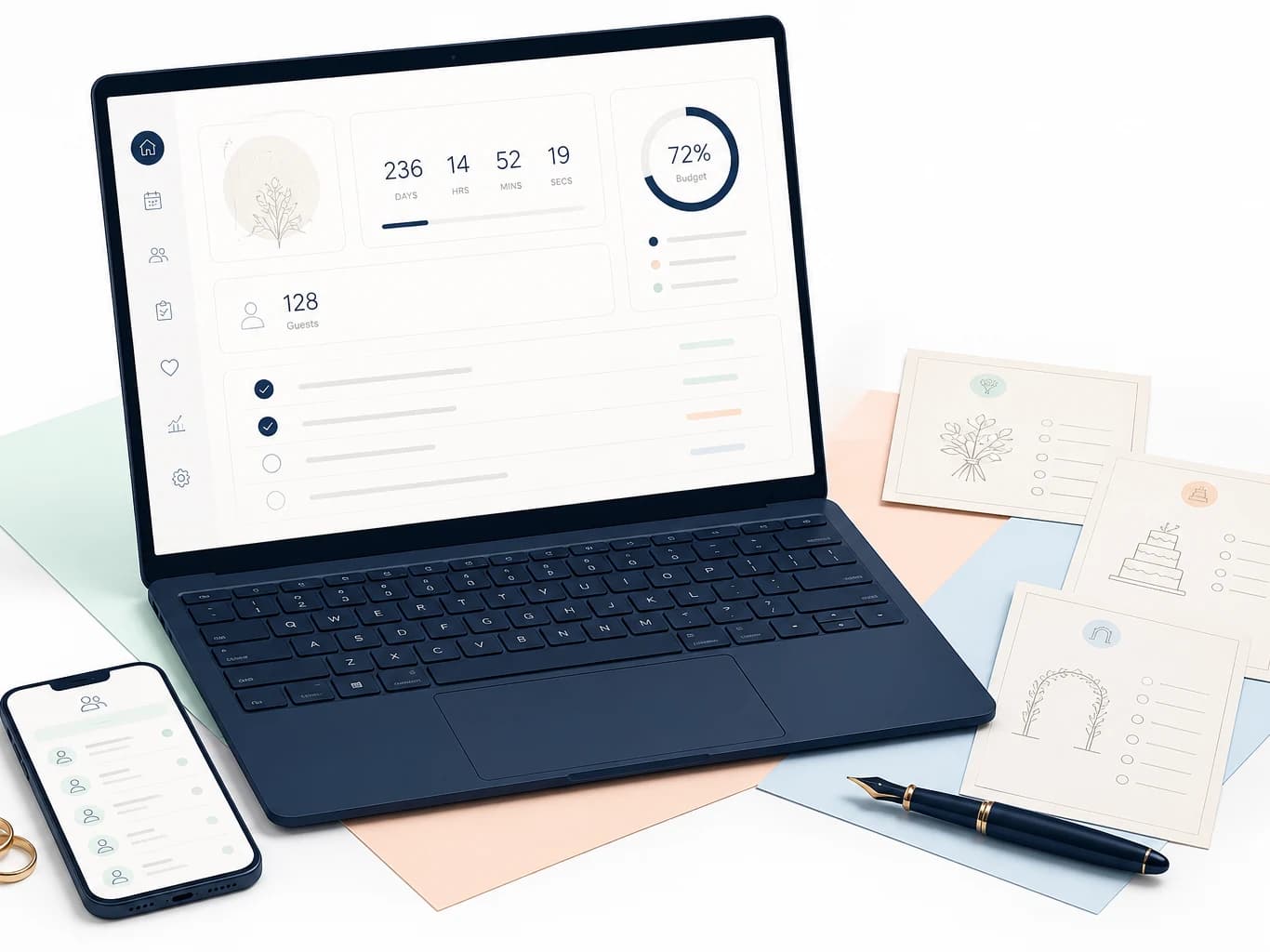
Open it in Excel or upload it to Google Sheets. The file remains yours, with no subscription needed to keep using it.
Add your names, date, guest count and working budget.
Your personalised Excel file downloads instantly, already filled in.
Share the plan with your partner and a private link with your guests.
Guests scan your event QR, take photos and add them to one gallery.
Put a code on tables, invitations or the welcome sign. Guests open a private camera, capture the celebration and add it to your shared gallery.
Try the camera preview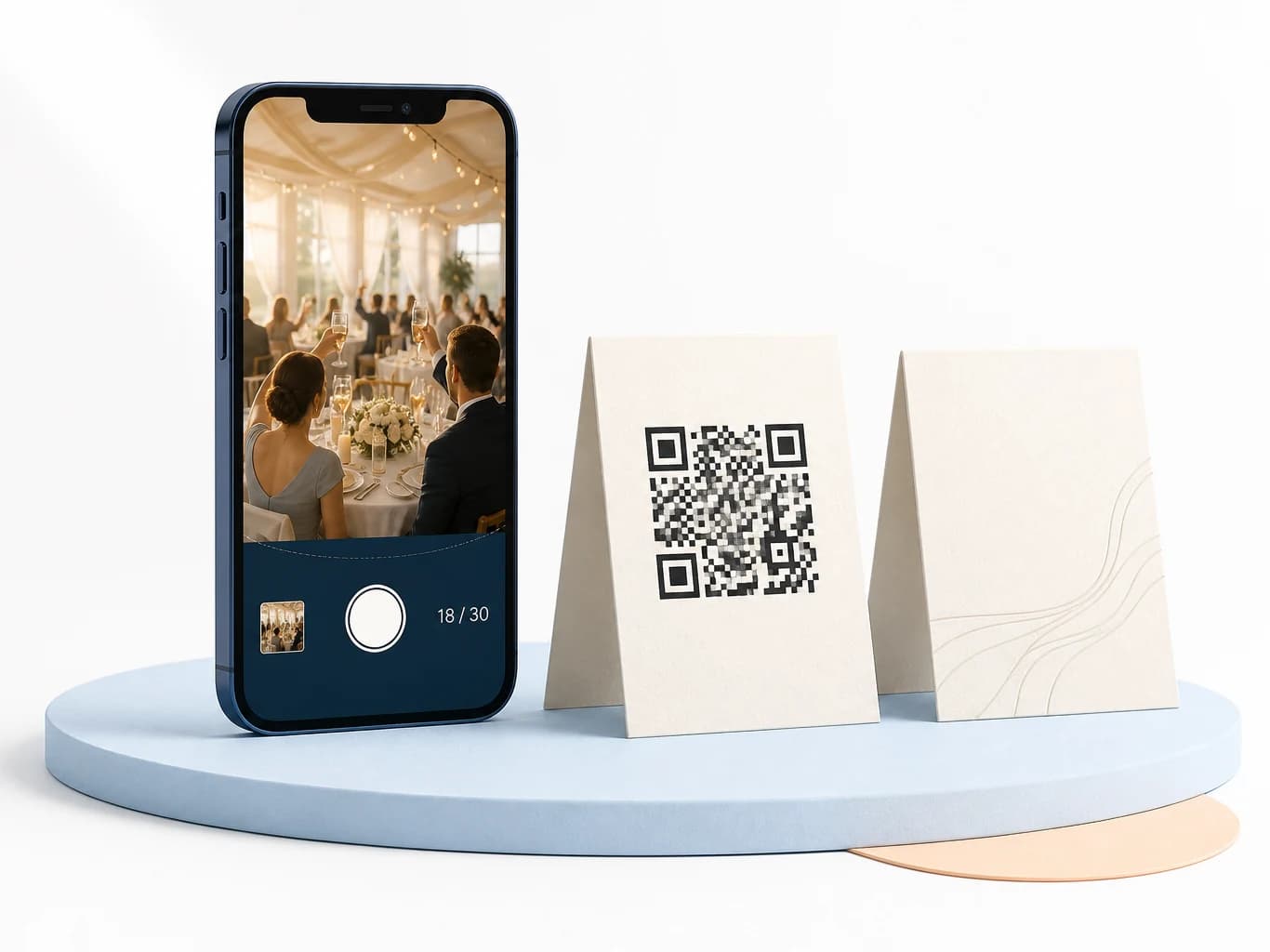
A QR code opens the camera in seconds. Guests do not need to create a profile.
Every contribution lands in one couple-owned gallery instead of scattered chats.
Set a playful disposable-camera limit per guest or leave captures unlimited.
Review and remove contributions before sharing the final gallery.
Keep photos hidden during the celebration, then reveal the full story afterward.
Keep the full collection and download the original files when the event ends.

Try it here. Your preview stays on this device and is not uploaded.

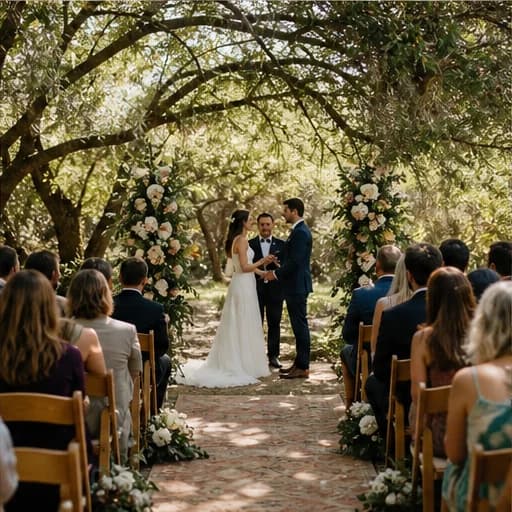
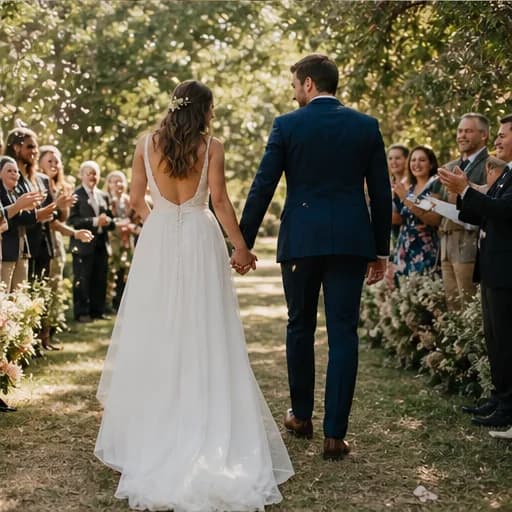
The iOS and Android apps are coming soon—with your budget, checklist, guests, QR Guest Camera and private memory gallery together in one calm place.
One email when early access opens. No countdown spam and no weekly sales sequence.
Not a blank template. Your names, wedding date, budget and priorities are waiting when the file opens.
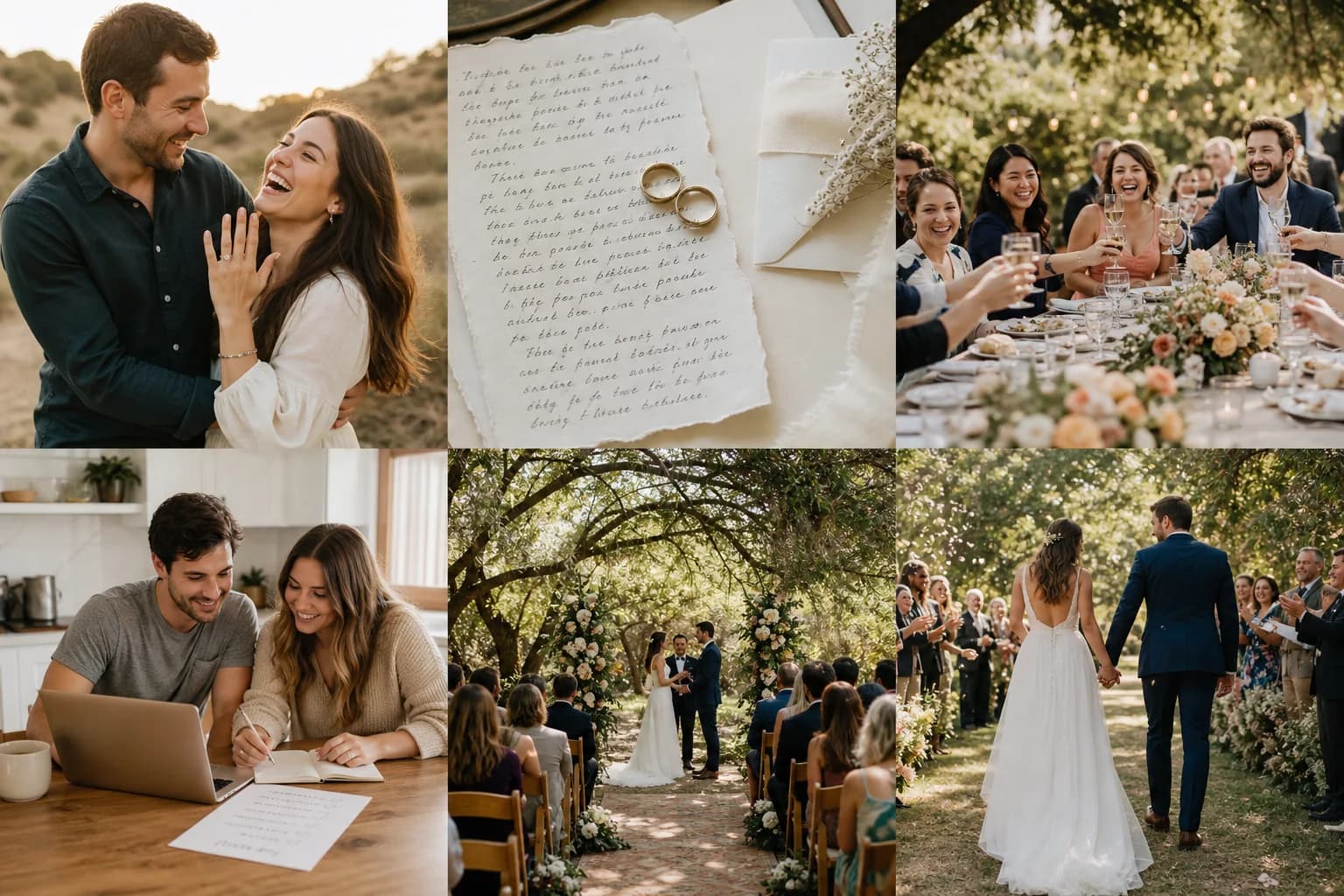
One QR code turns every guest into a second camera—without another group chat.
Send one personal place for attendance, meal choices, gifts, timings and travel details.
Keep the same file in Google Drive and edit side by side in real time.
11 editable categories
49 tasks, already timed
Meals, plus-ones and tables
Contacts, deposits and due dates
Build tables without the chaos
One schedule for every supplier
31 moments worth keeping
From the aisle to last dance
Travel and hotel details
One calm view of everything
“The budget tab caught the little costs we kept forgetting. We finished only $280 over our first estimate, which felt like a miracle.”
“Our friends' photos were the best surprise the next morning. There were dozens of tiny moments we had completely missed.”
“I sent one timeline to the photographer, DJ, venue and caterer. Nobody asked me where they needed to be again.”
Photographers, venues, planners, florists and caterers can share a branded planner and Guest Camera access, then track referrals from one quiet dashboard.
Join the partner waitlistReferral terms and pricing will be published before launch.
The complete personalised planner is available now. Connected digital tools are presented clearly as upcoming access.
Yes. The personalised Excel planner is a normal file you can download, keep and edit without an account or credit card.
Yes. Upload the downloaded .xlsx file to Google Drive, open it in Sheets and share it with your partner.
The planned guest flow opens from an event QR link. This page includes a working local upload preview; shared cloud galleries arrive with Guest Camera access.
Yes. Hosts will be able to review and remove guest submissions before publishing the final gallery.
The couple will be able to download originals and keep the final gallery. Retention details will be shown clearly before launch.
Yes. The partner program is designed for photographers, venues, planners, florists and caterers, with referral tracking and venue licensing.
Your personalised wedding planner is ready in five minutes and costs nothing to keep.
Download the free planner